ἀνάβασις anabasis, a going up; a march from the coast into the interior.
A writing desk for nonfiction.
Drafts, notes, sources and citations in one project, kept in one file that runs offline in your browser. Anabasis formats your citations as you write and checks the draft the way a careful editor would.
Version 2.12.0. Free and open source. No account, no server, no tracking. Works in Chrome, Edge, Firefox and Safari, on a computer, tablet or phone.
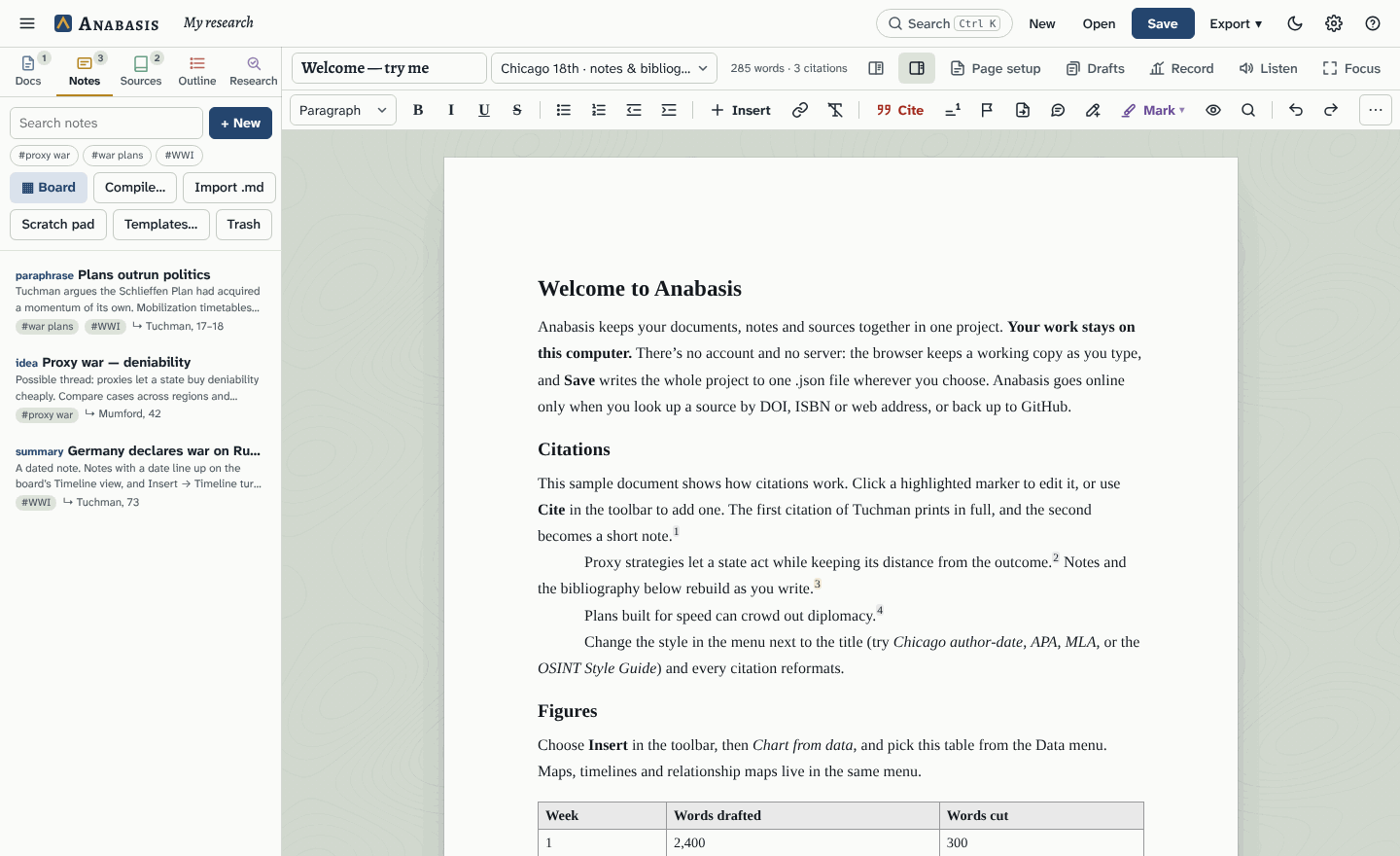
New in 2.12 Themes, workspaces, tasks for each chapter and section, Excalidraw sketches, handwritten notecards, and a Socrates and an Oracle that listen better. See what’s new
New in version 2.12
A desk arranged the way you work
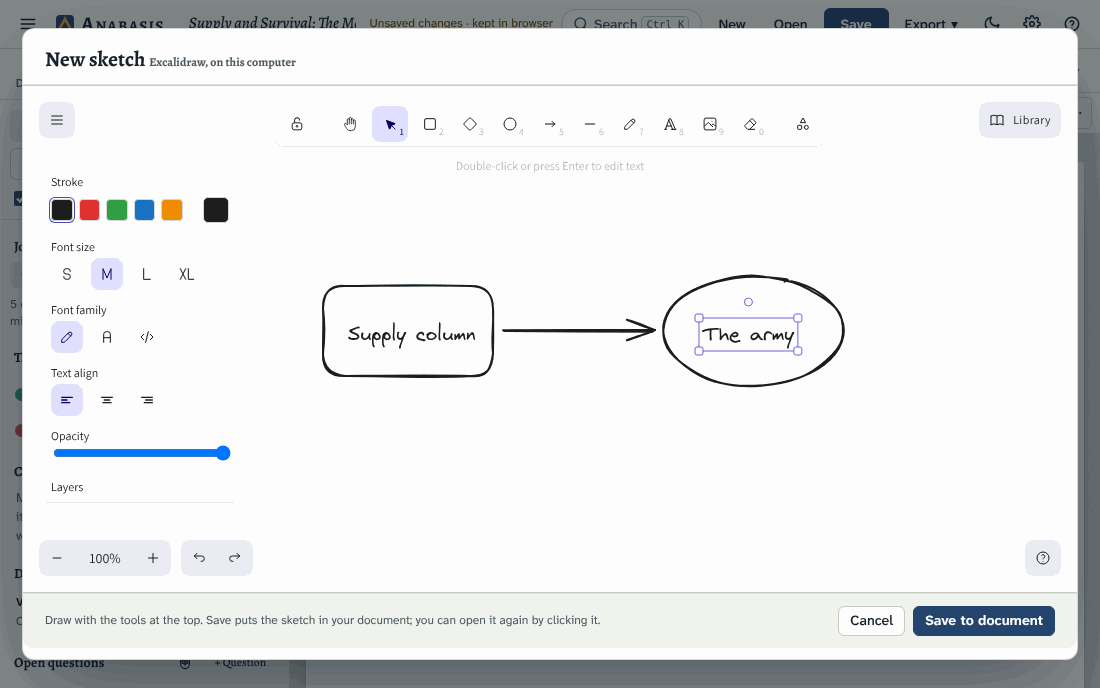
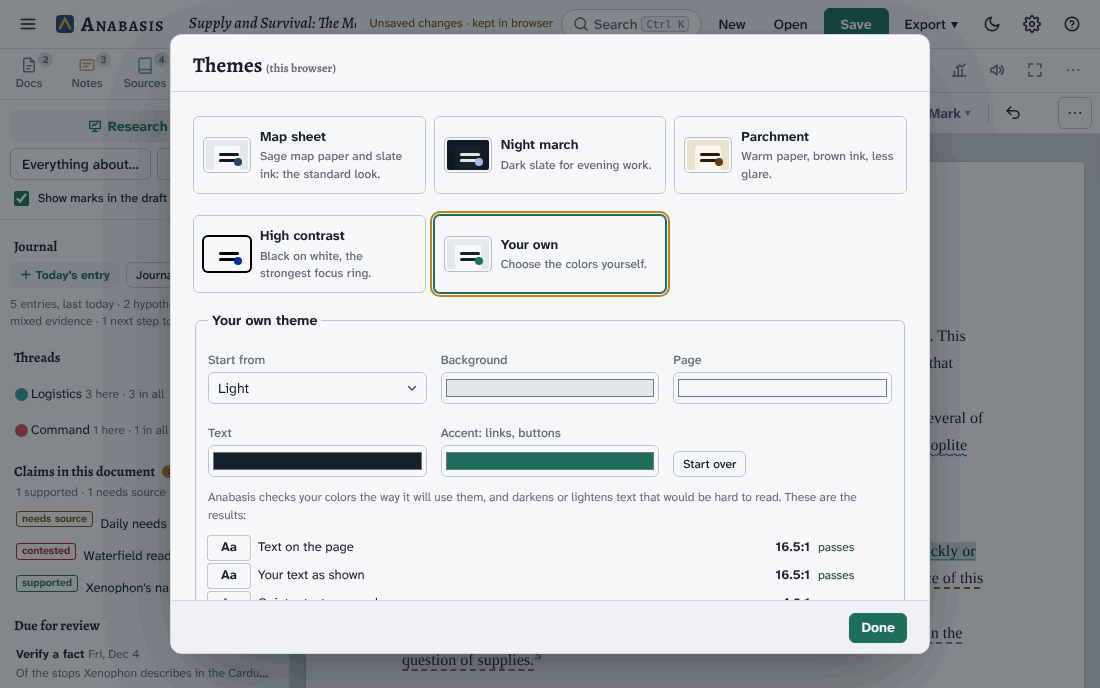
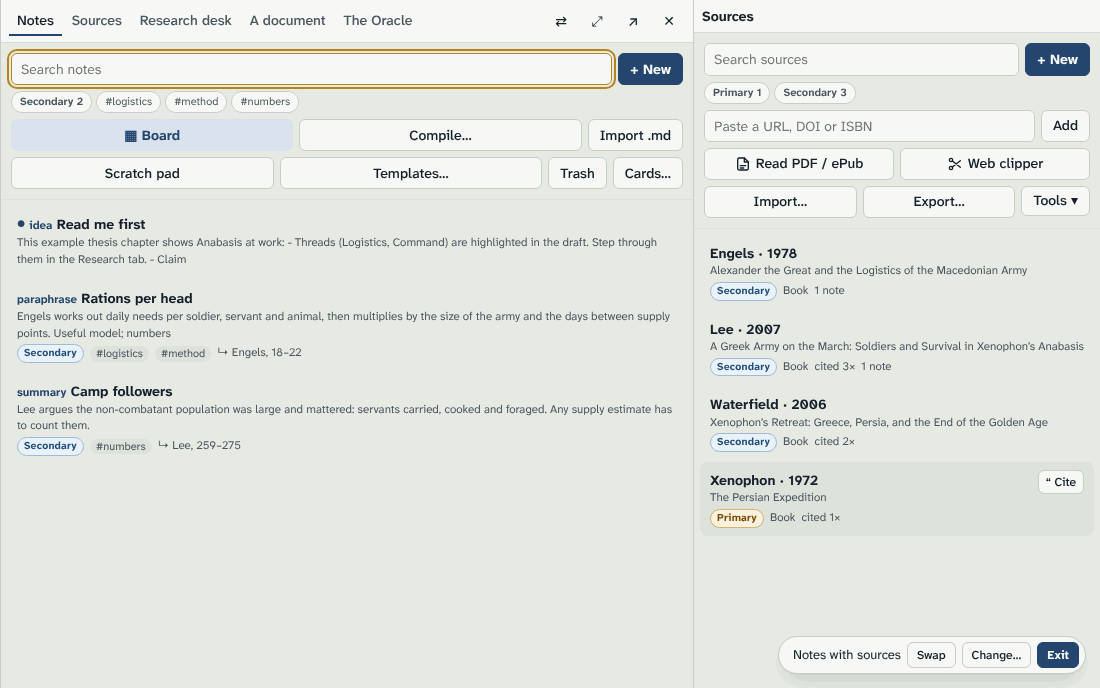
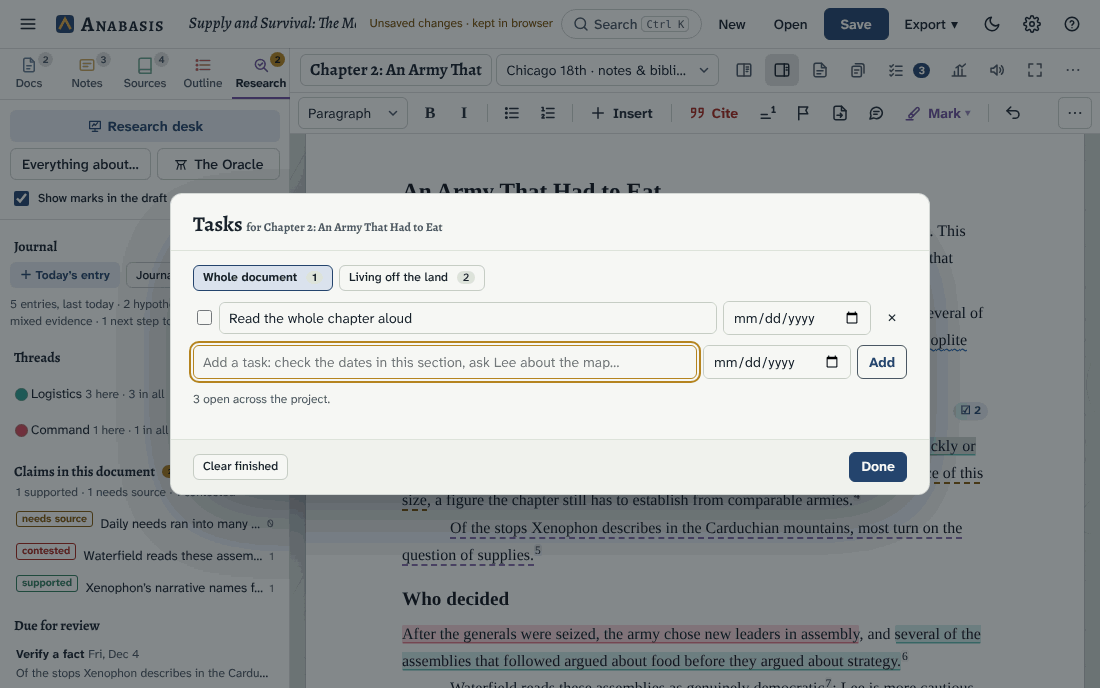
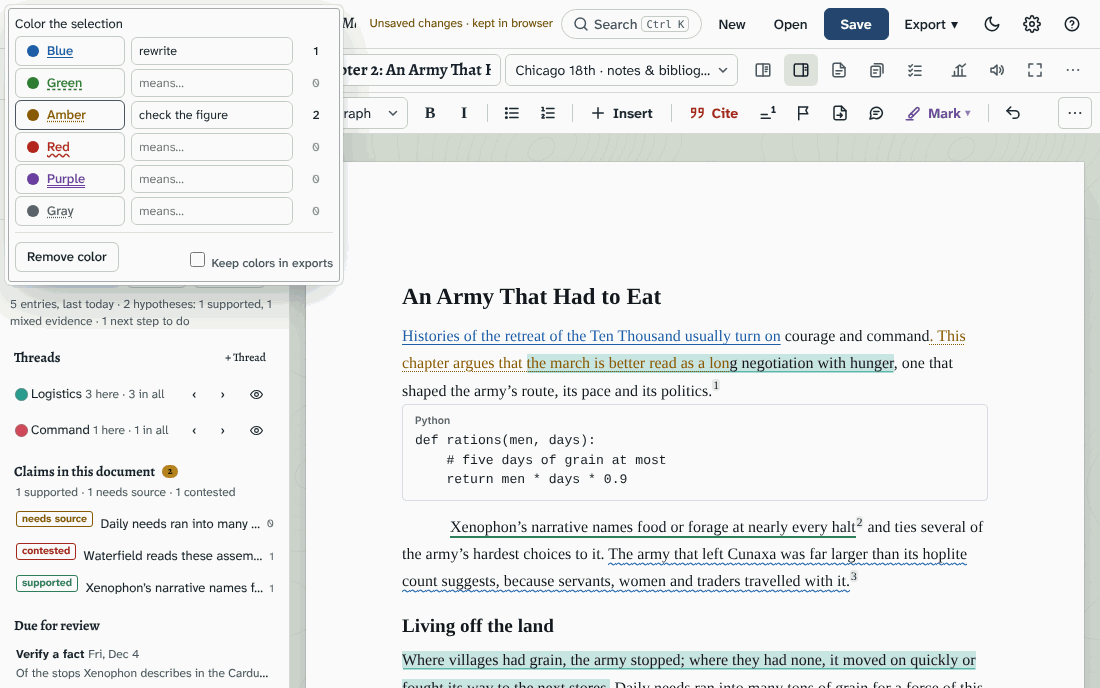
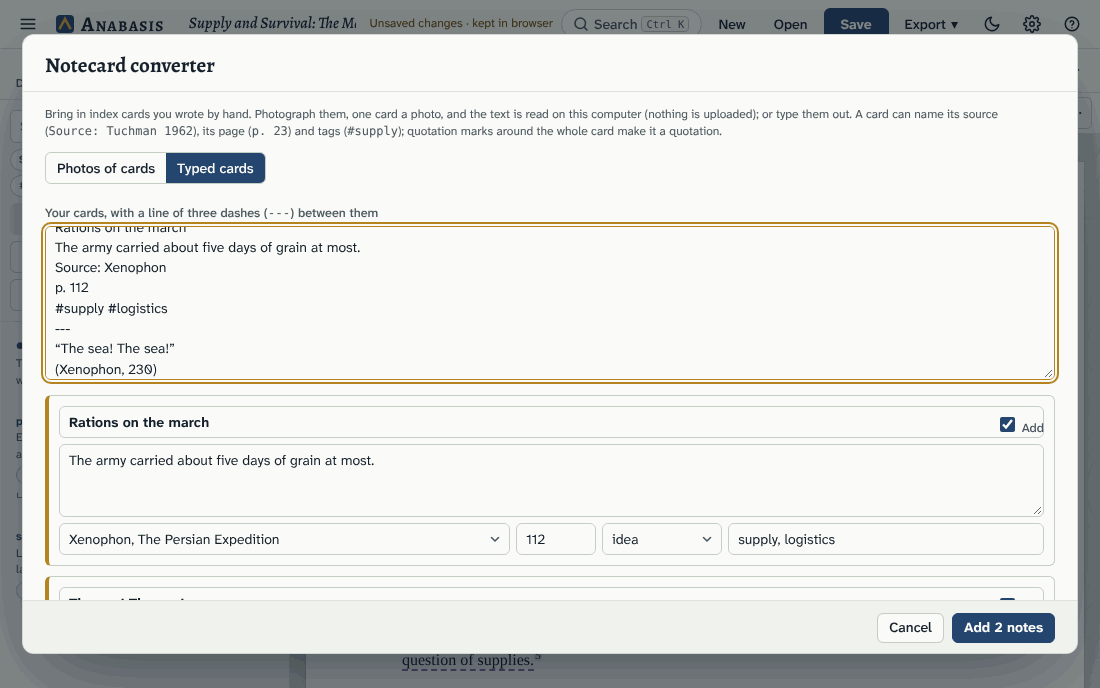
The first week of public use brought a list. Anabasis 2.12 answers it: themes, including your own colors; any part full screen with another beside it; task lists for a chapter or a single section; drafting colors; sketches drawn with Excalidraw; and the index cards you wrote by hand, brought in as notes.
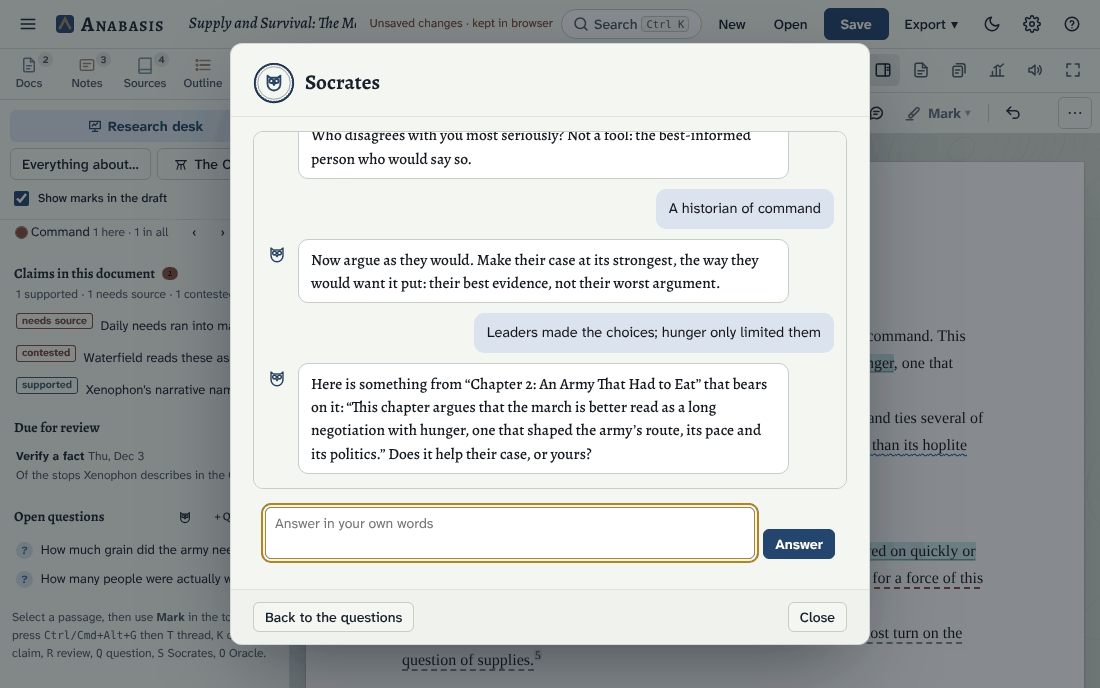
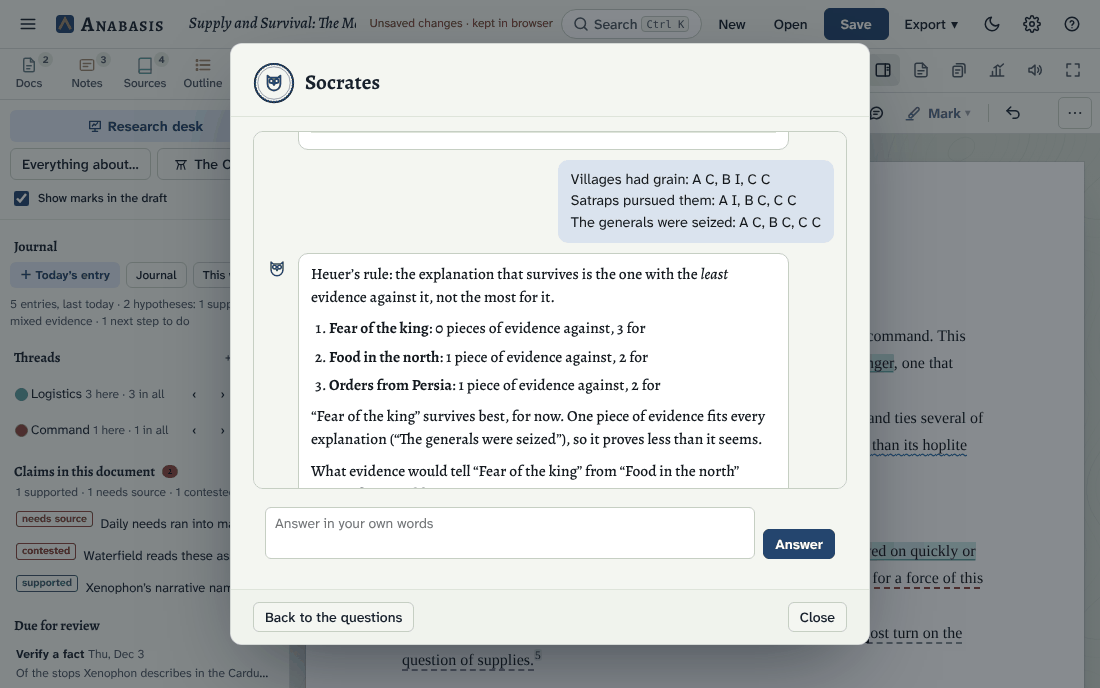
Socrates, more careful
Questions fit your words: “Are the Ten Thousand…”, “an FBI file”, a capital where the question starts.
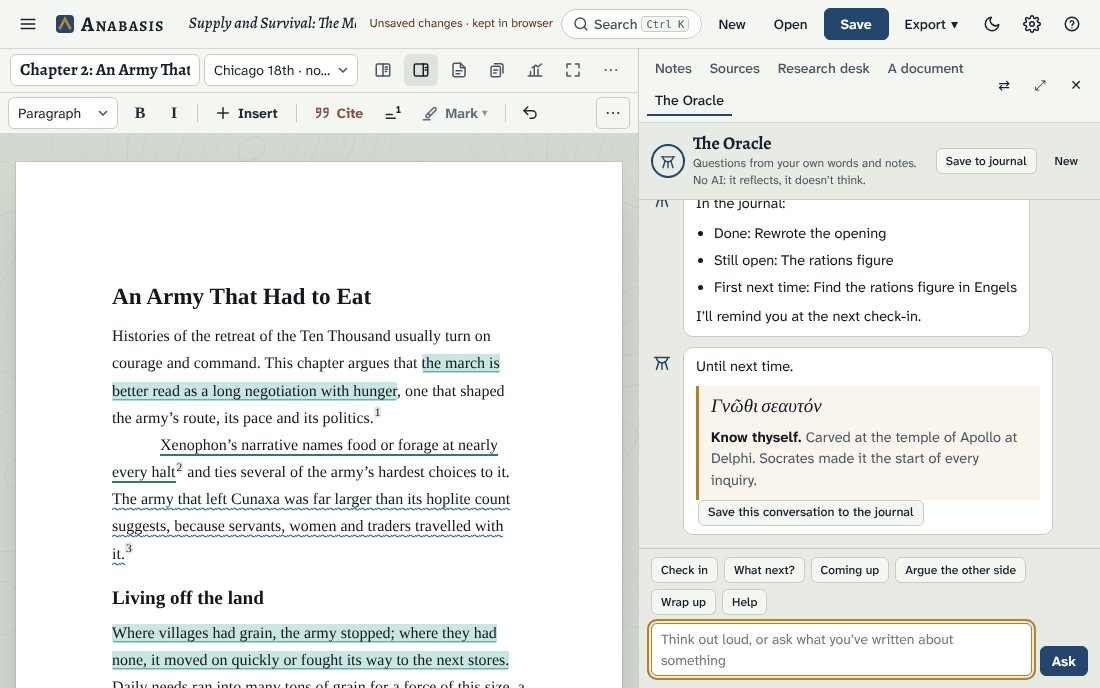
The Oracle, more like a person
A pause before it answers, an “I see” now and then, and it comes back to what you said earlier. Still no AI.
Readable in every theme
Every theme is checked for contrast, including highlights and colored text, by the test suite on every build.
Sealed sketches
Excalidraw runs in a sandbox with no origin of its own, and every drawing is cleaned before it opens.
Tested at scale
A 300,000-word project with 1,500 sources, 780 task lists and 25 large drawings opens in seconds and types without stalls.
Still one file
About 27 MB, under a 50 MB ceiling. Offline, no account, no server, no tracking.
The 2.7 to 2.11 features are in the showcase below. The full changelog
Showcase
What came before 2.12
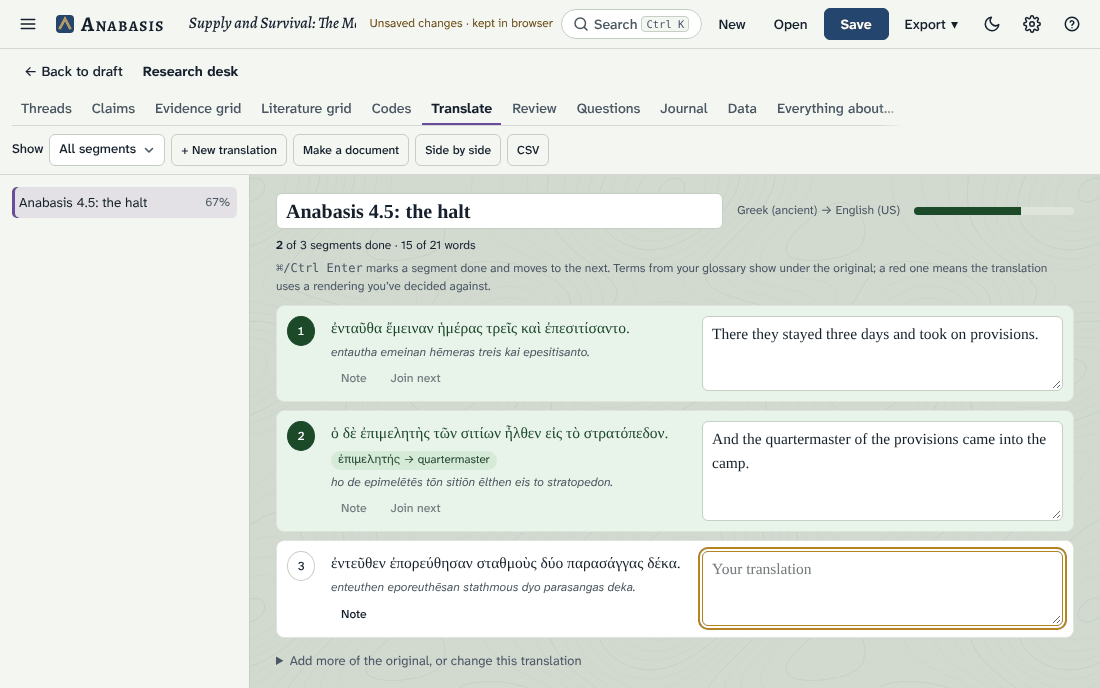
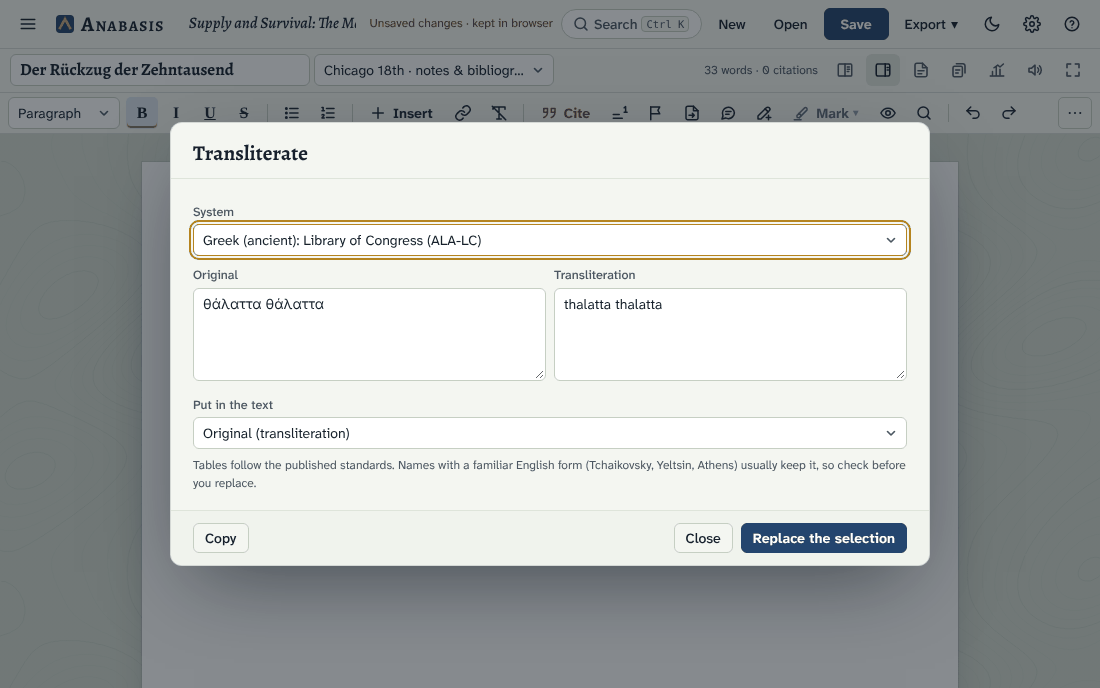
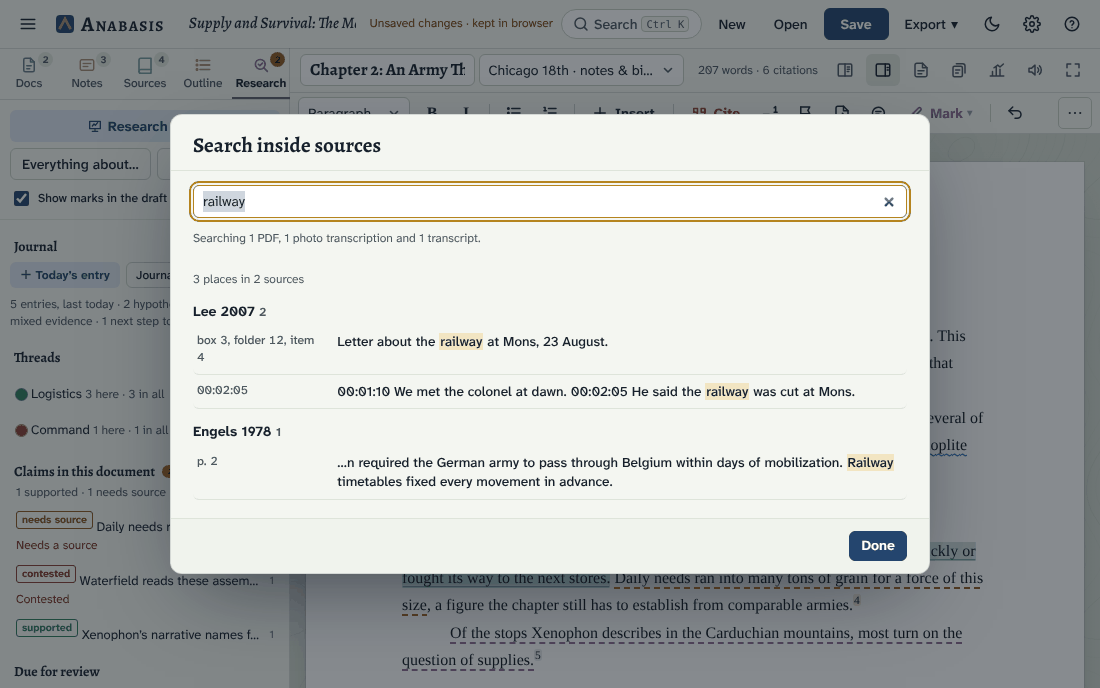
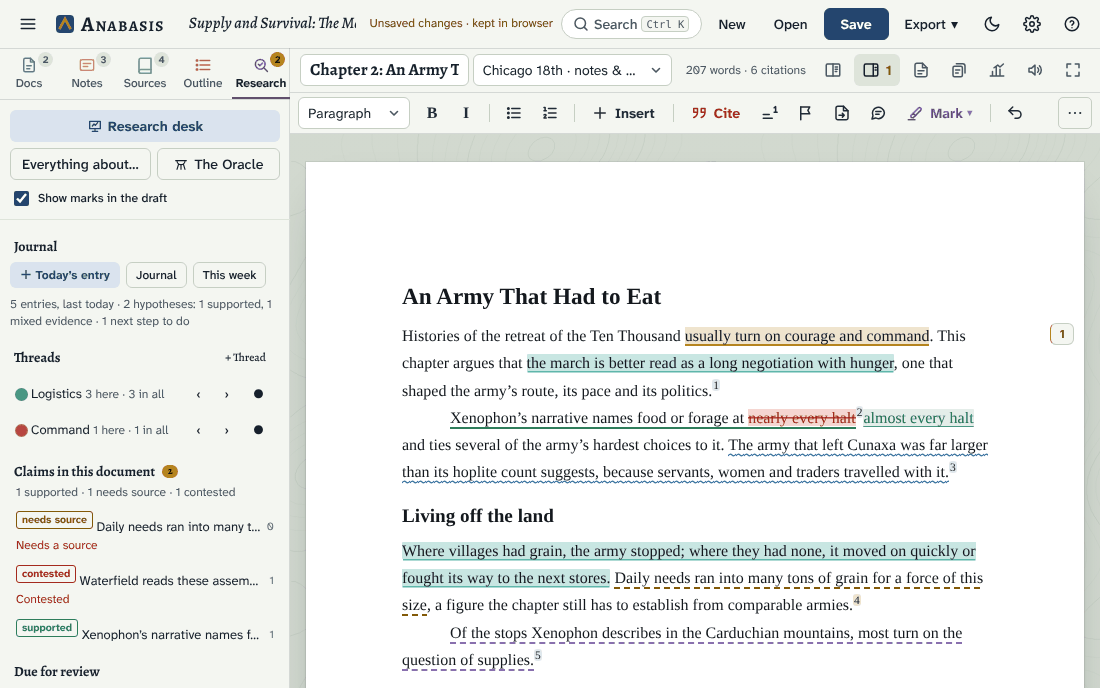
Every feature from 2.7 to 2.11, as it looks in the app: from reading a book beside the draft and questioning it, to finishing a book, working in other languages, and showing how a piece was written.
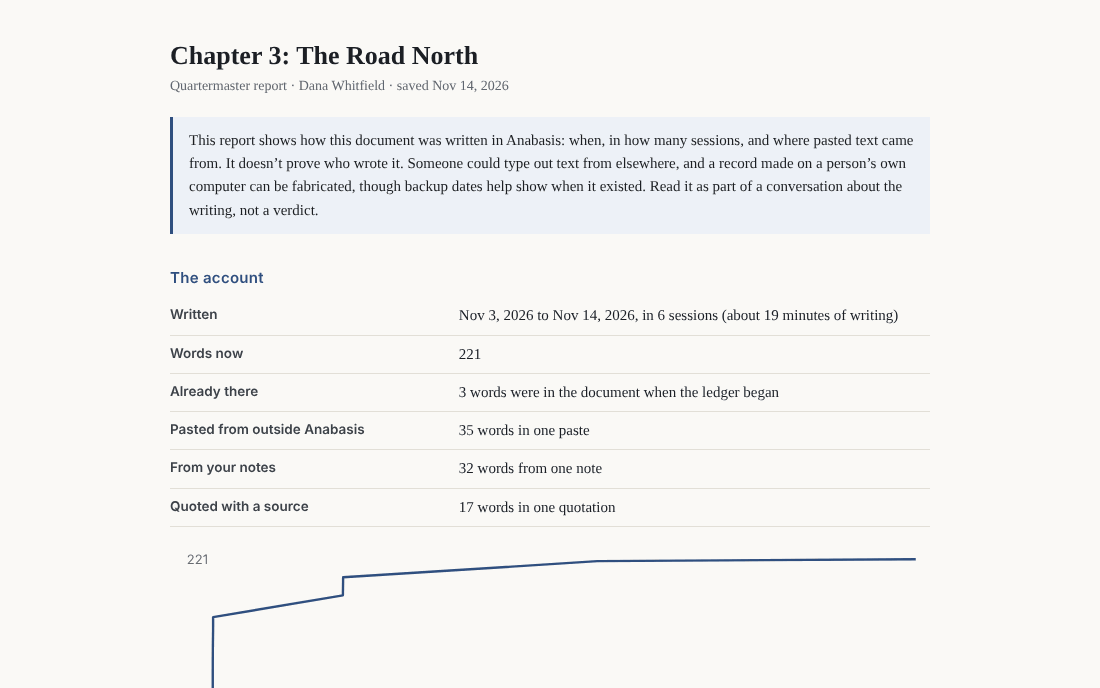
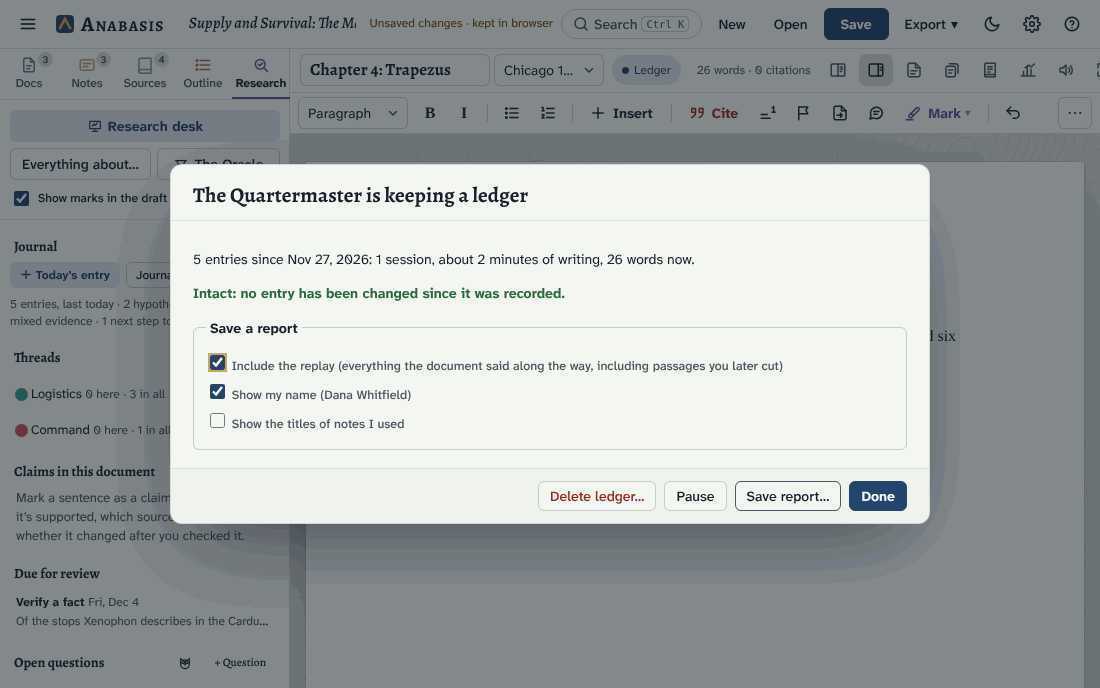
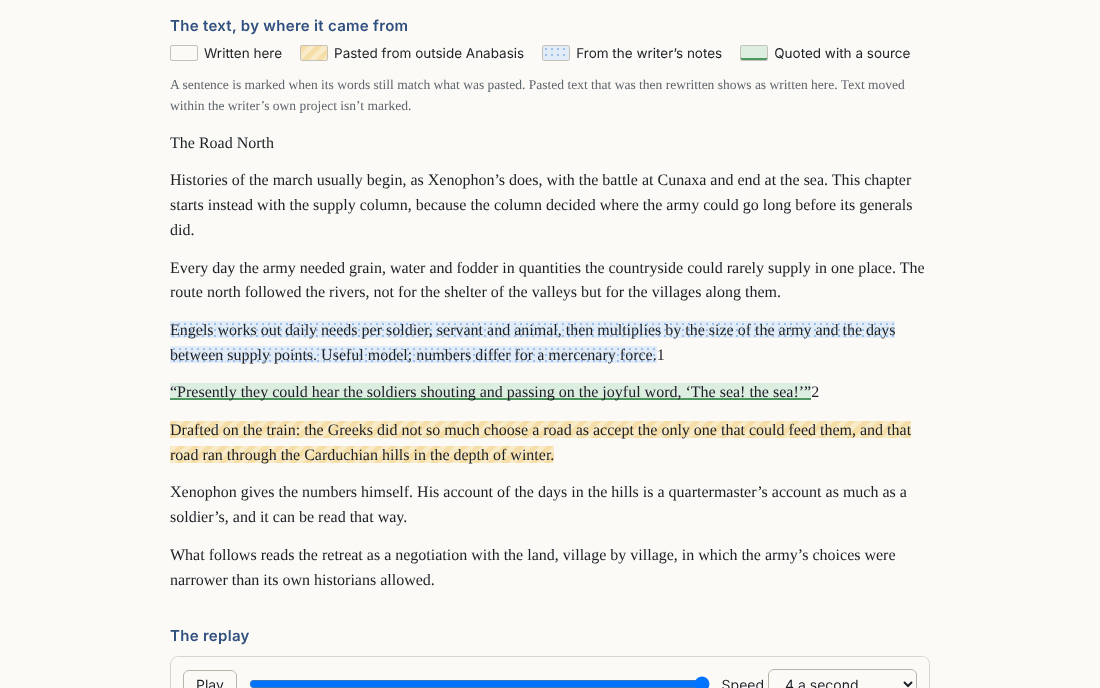
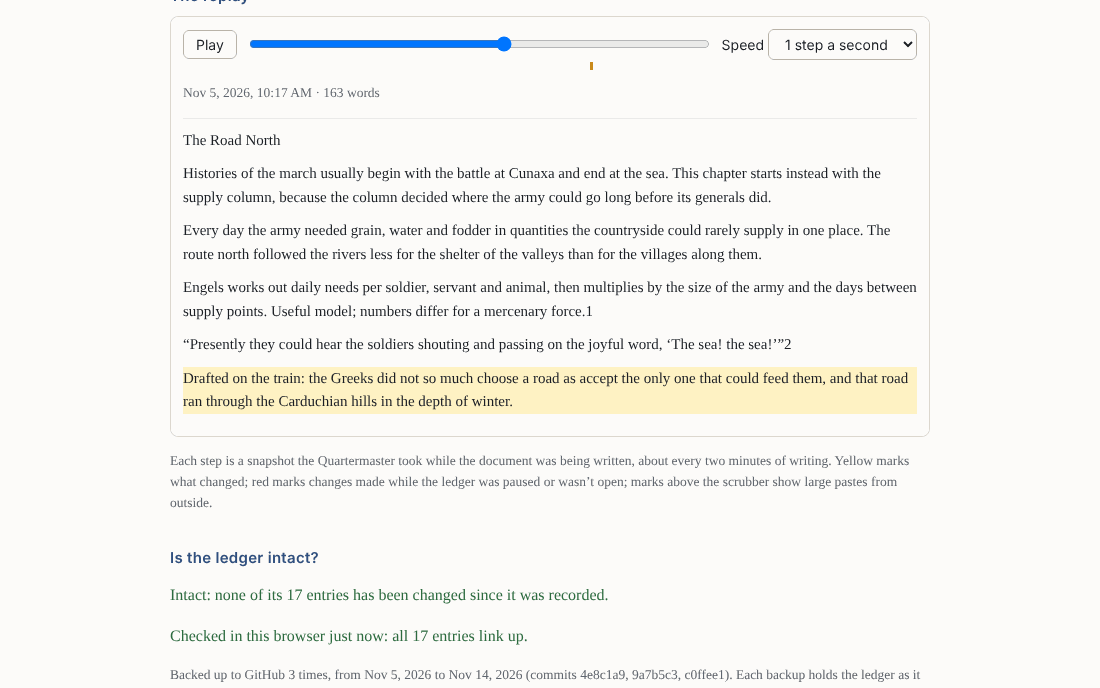
Named for a march
In 401 BCE about ten thousand Greek soldiers followed the Persian prince Cyrus inland to take the throne from his brother. Cyrus was killed at Cunaxa, near Babylon, and soon afterwards the Greek generals were seized and put to death. Stranded more than a thousand miles from home, the army chose new leaders, among them a young Athenian named Xenophon, and fought its way north through the mountains and an Armenian winter to the Black Sea.
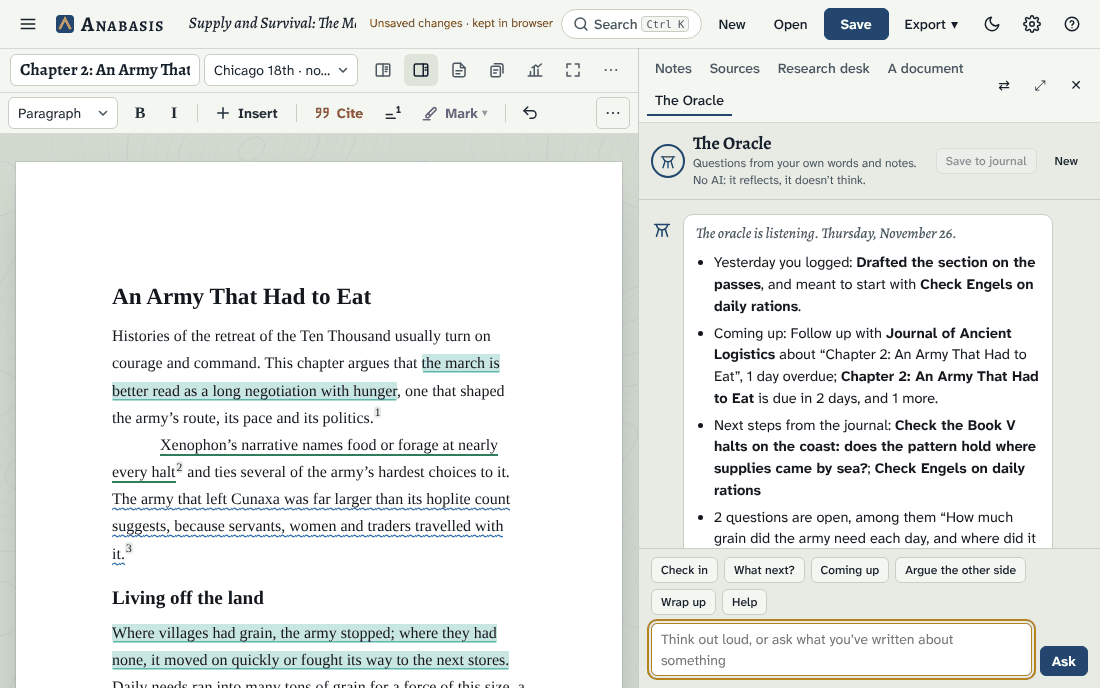
Xenophon wrote it all down, stage by stage, counting each day’s march in parasangs, and called his book the Anabasis. It is one of the oldest eyewitness histories we have. Writing from sources is a long march too, and the app is laid out along it.
-
Sardis, the muster
Gather
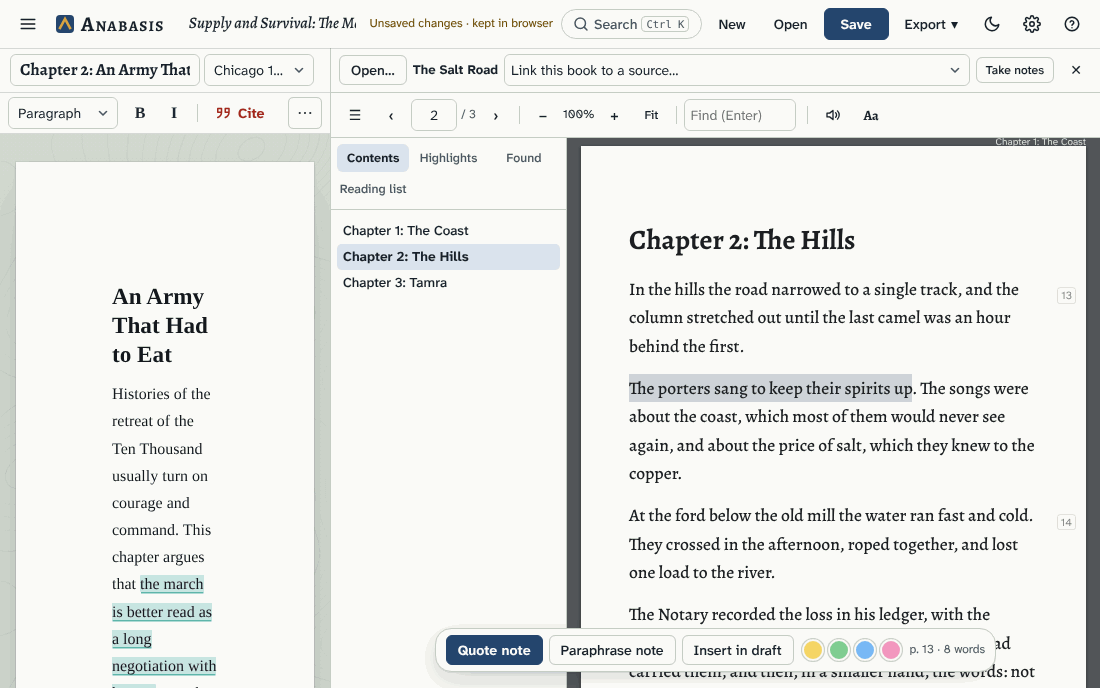
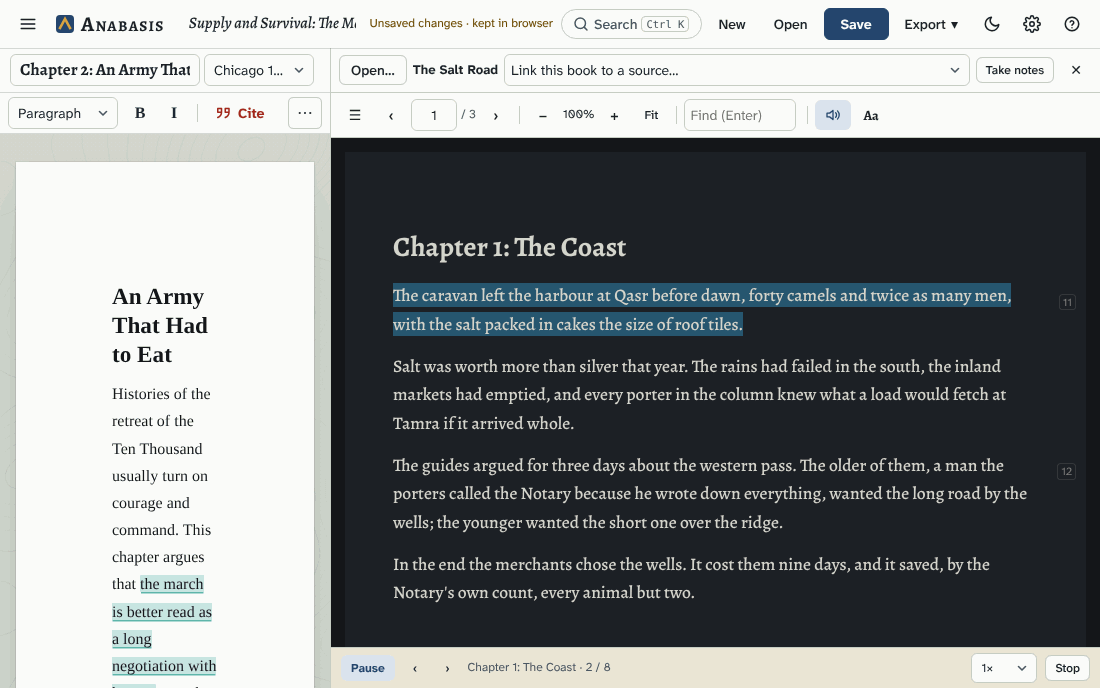
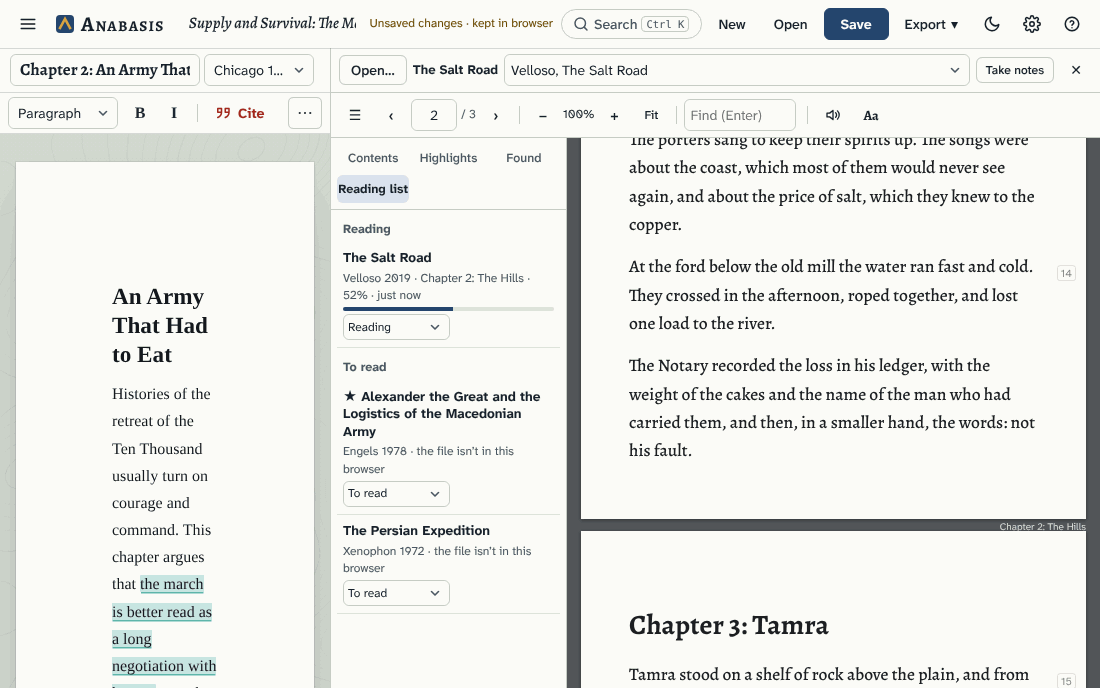
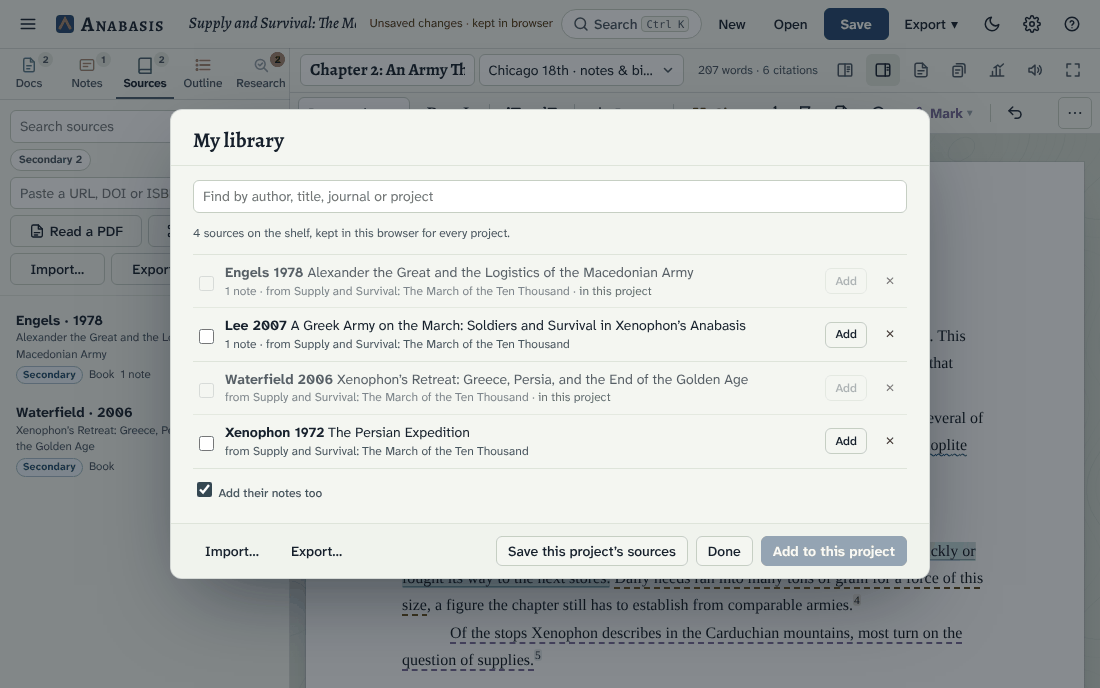
Add sources by DOI, ISBN or web address, or bring them in from Zotero, BibTeX and RIS. Read PDFs beside the draft, or with a note pad beside them, and clip from the web. Sources tab
-
The road east, day by day
Note
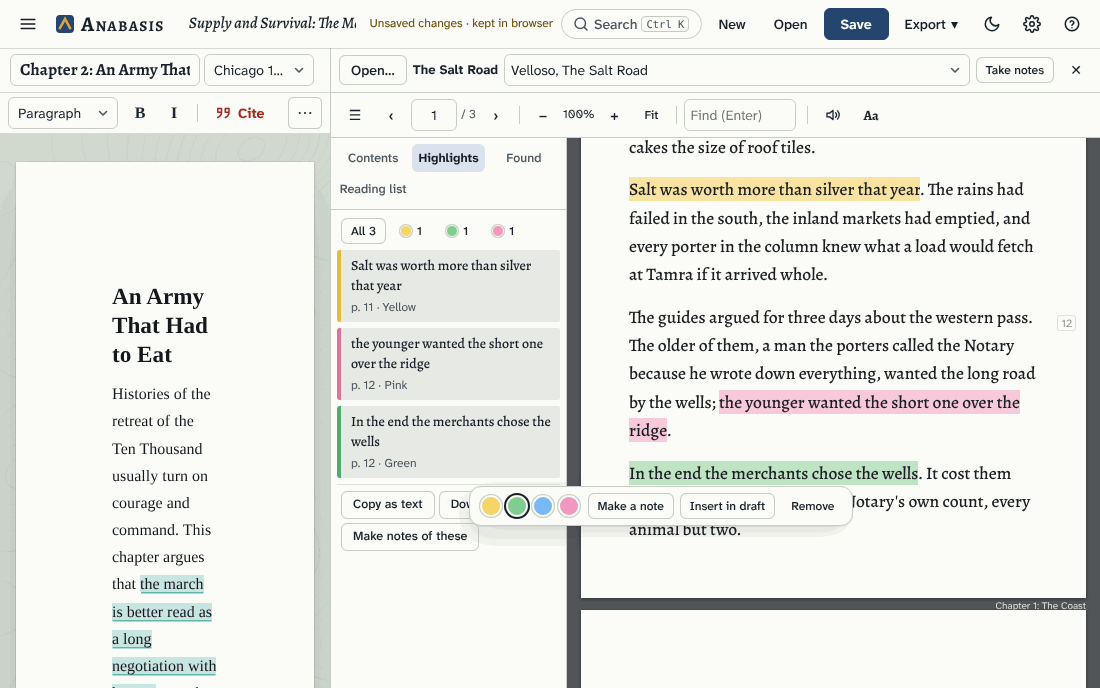
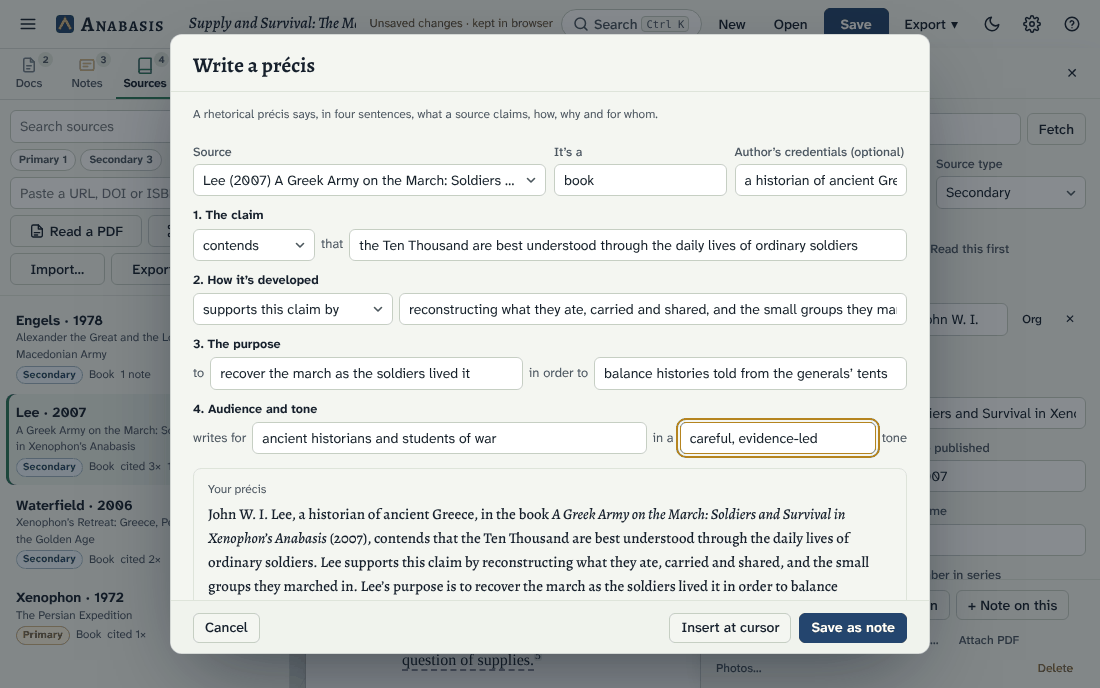
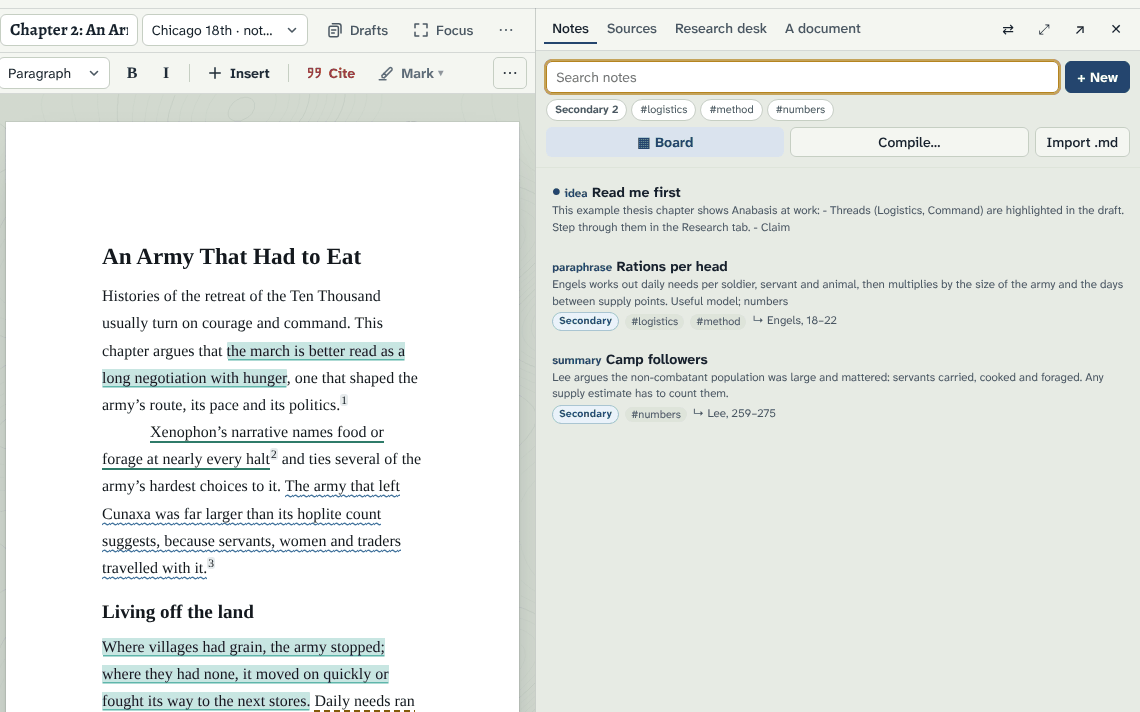
Quotes and ideas on a board you can pile, tag and drag into the draft. Interview transcripts become quote notes with timestamps, and a research journal prompts you through each stage. Notes and Research tabs
-
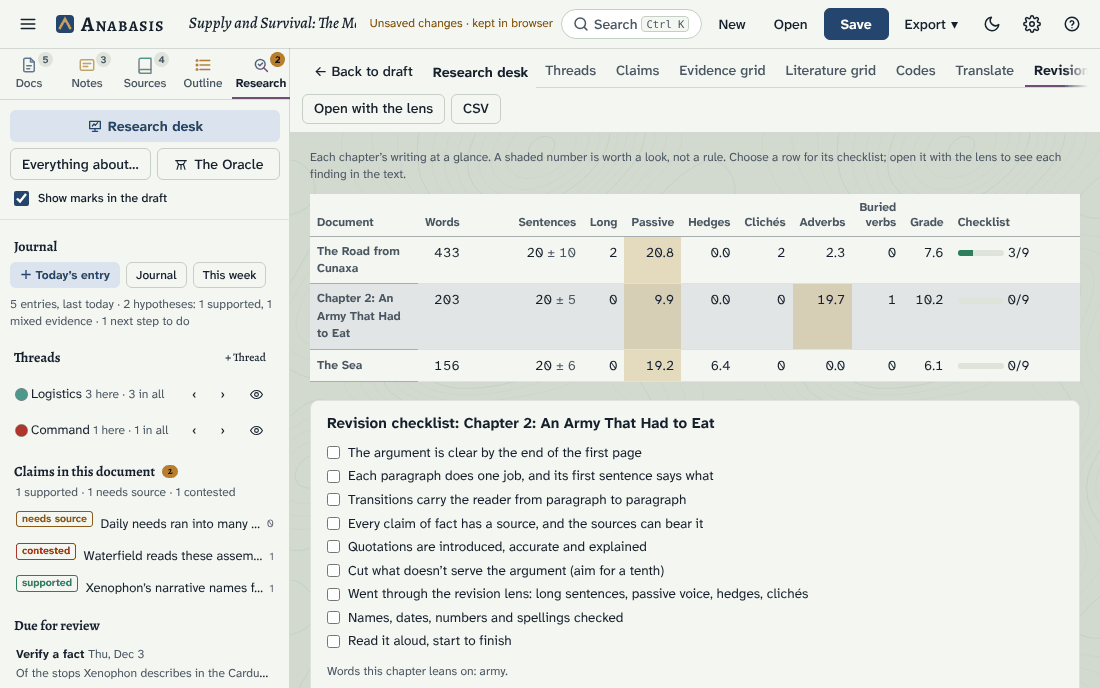
Cunaxa, the plan changes
Draft
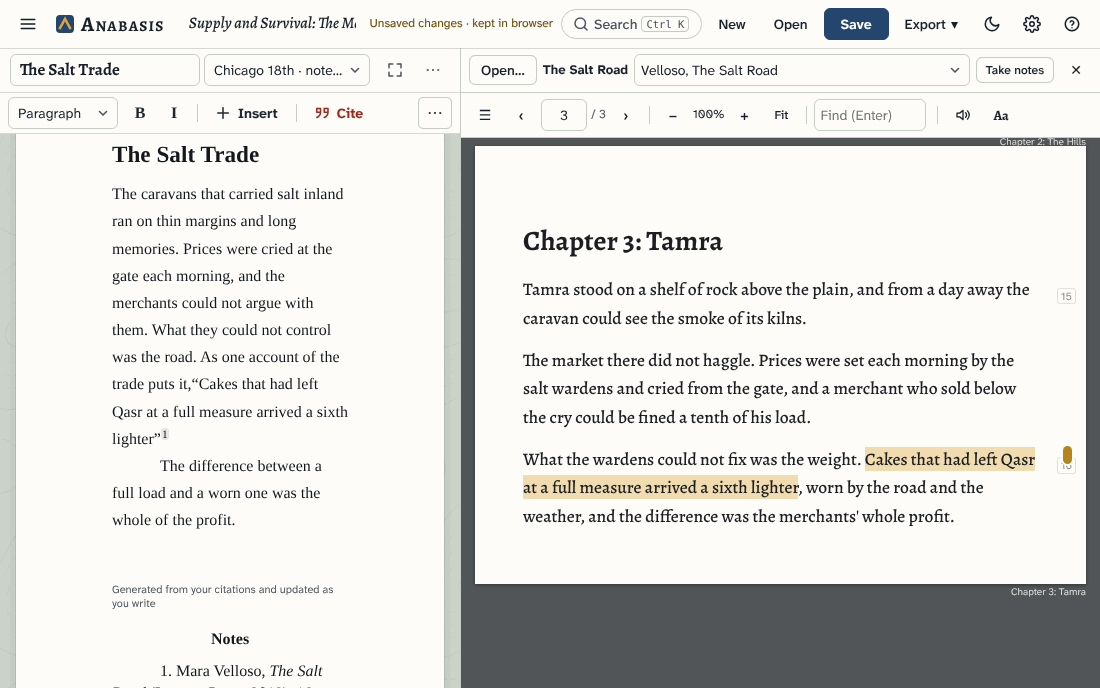
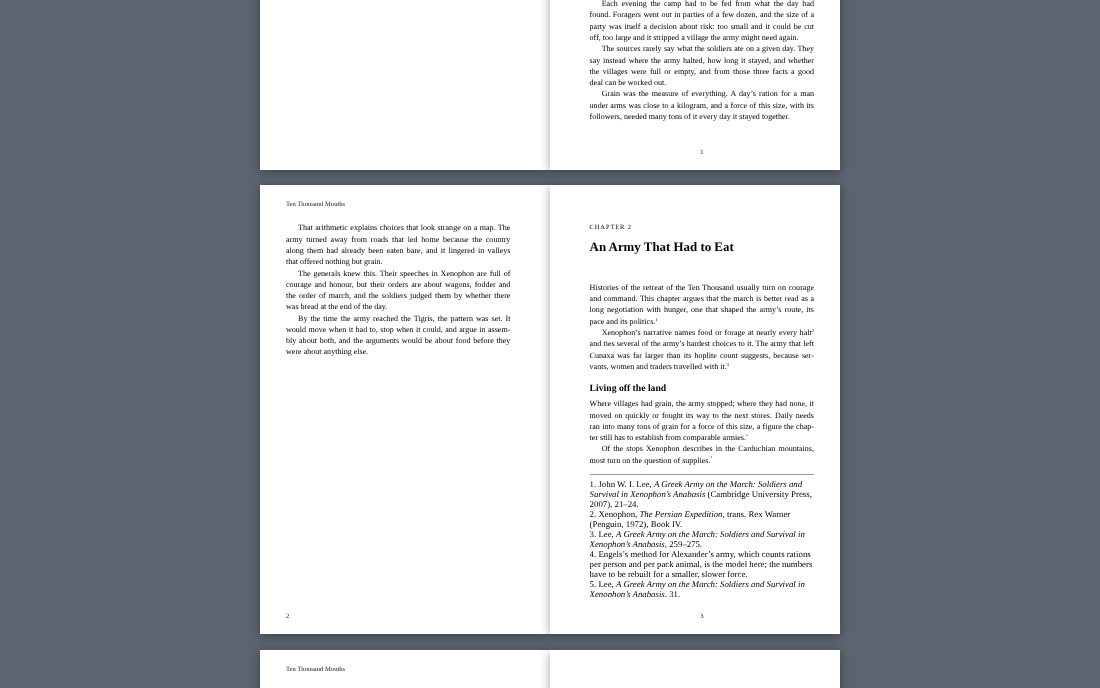
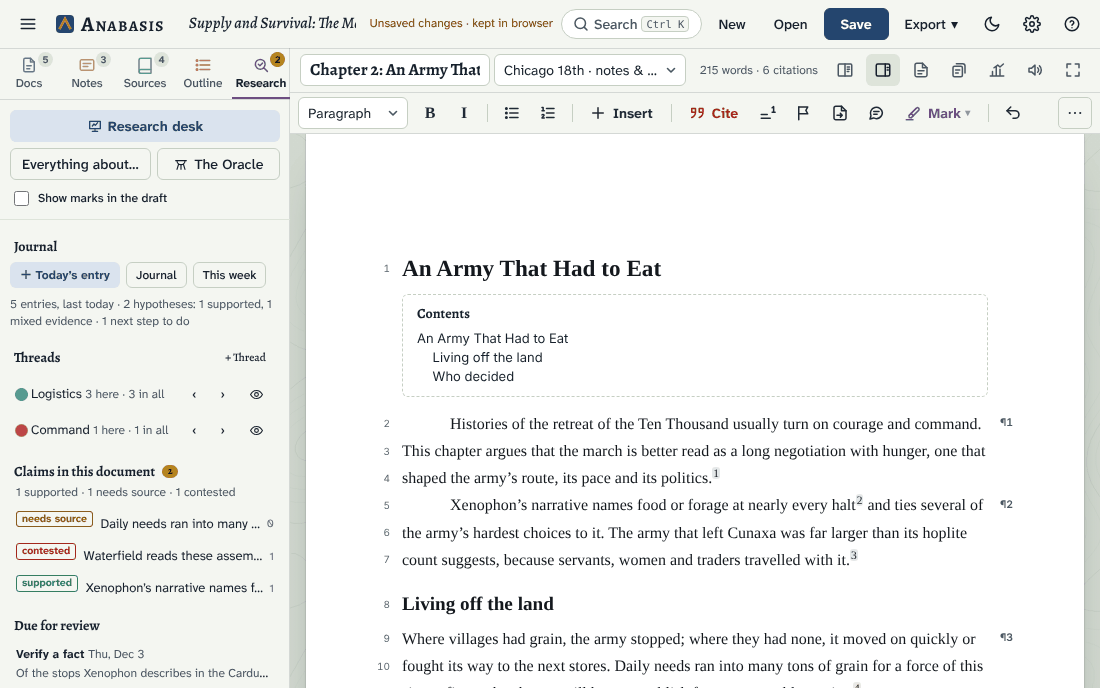
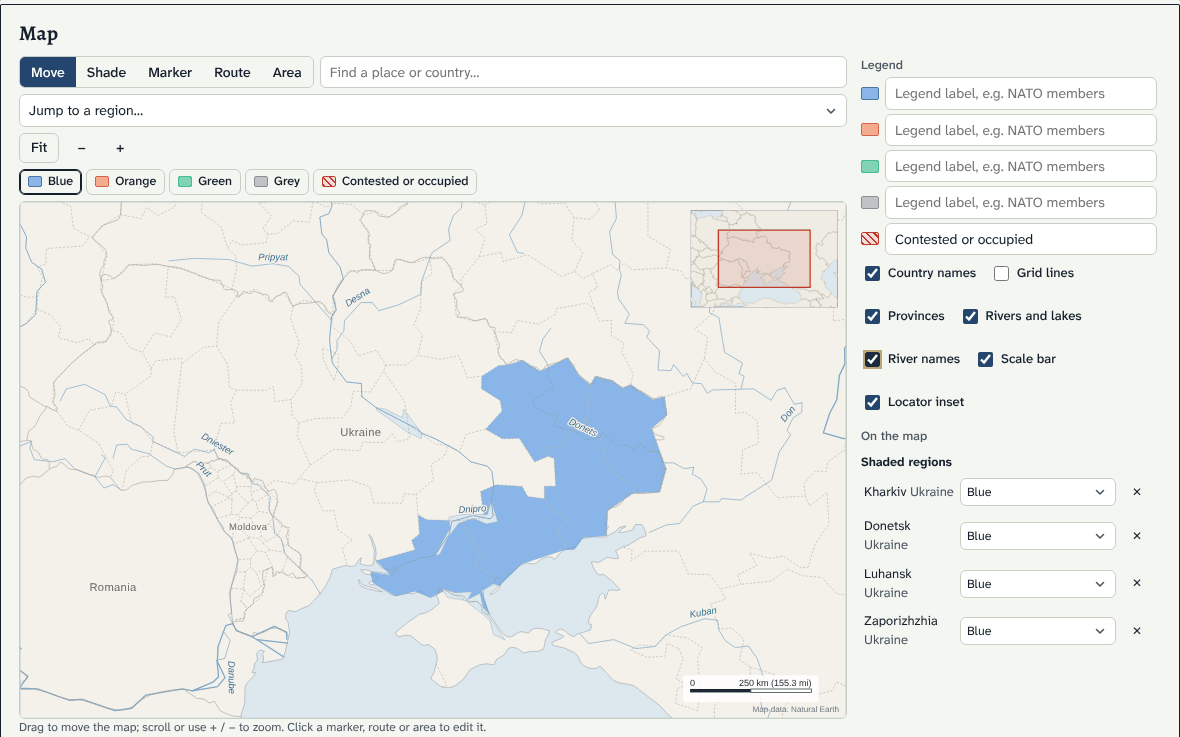
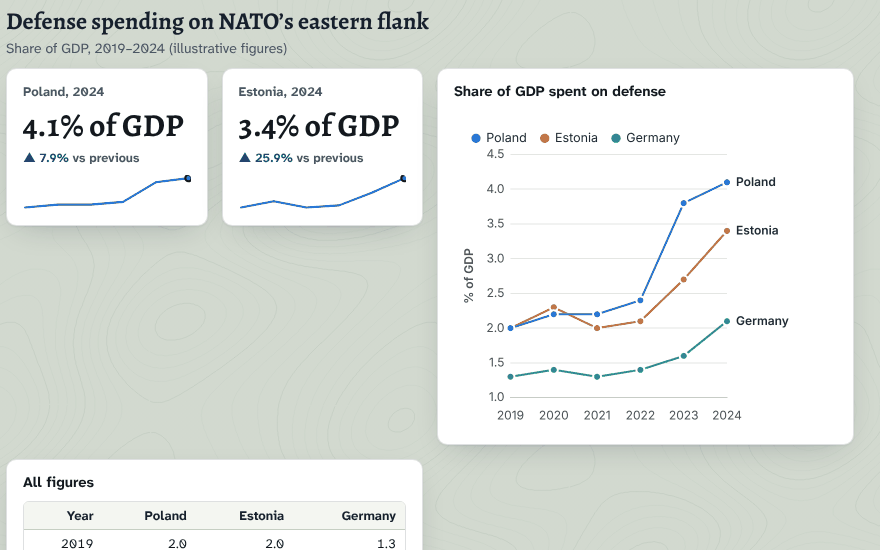
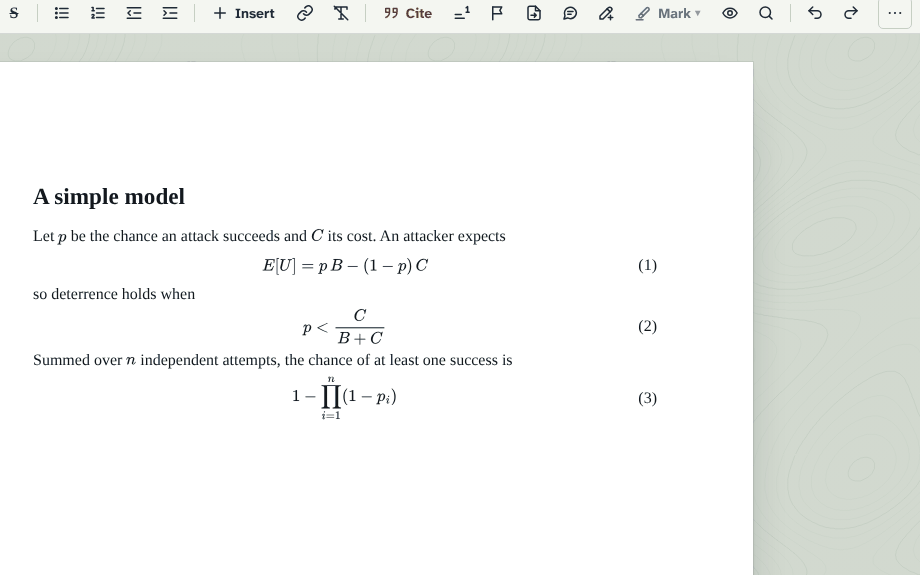
Citations in 55 styles, formatted as you type. Footnotes, figures, charts, maps and equations, and a binder that compiles chapters into a book. Docs tab
-
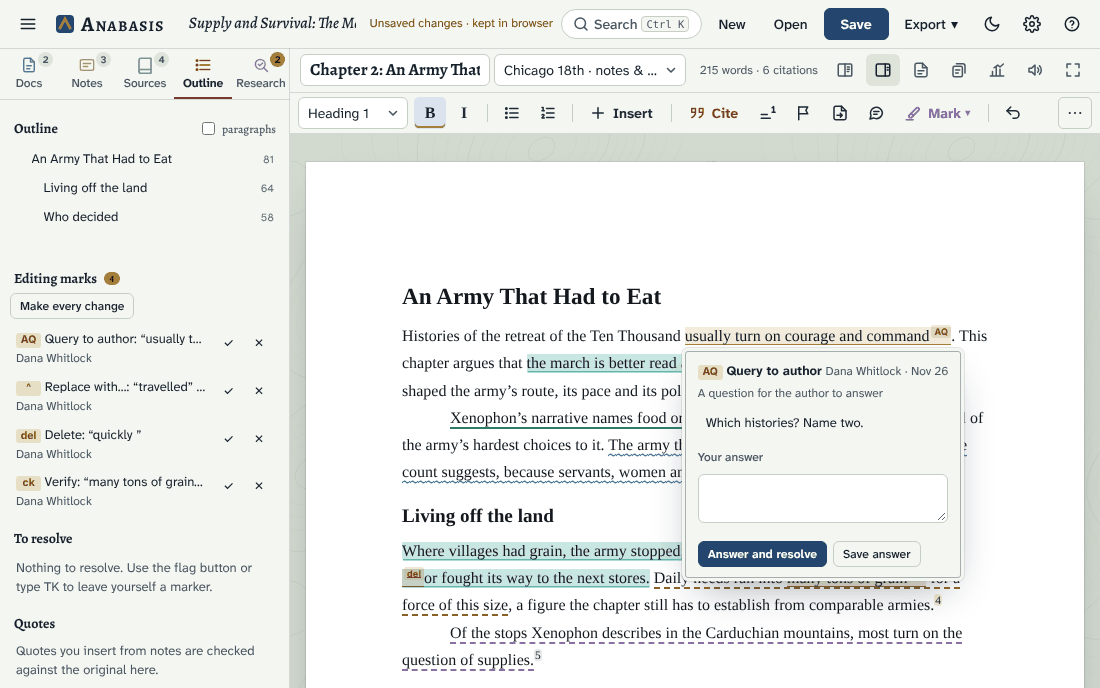
The Carduchian passes
Check
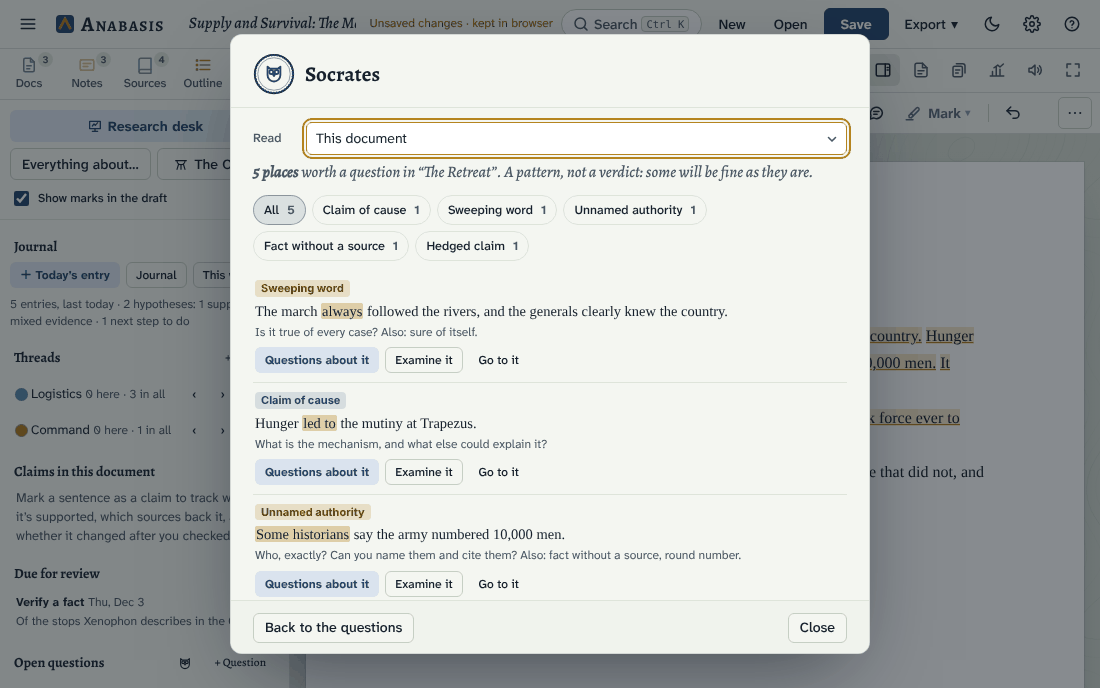
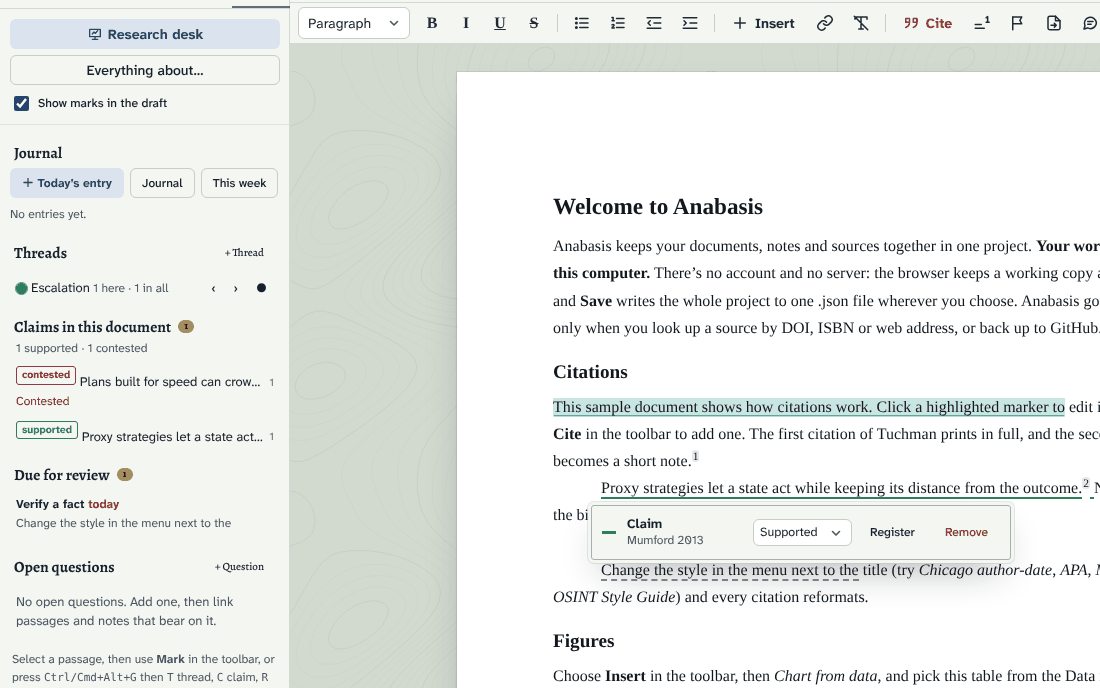
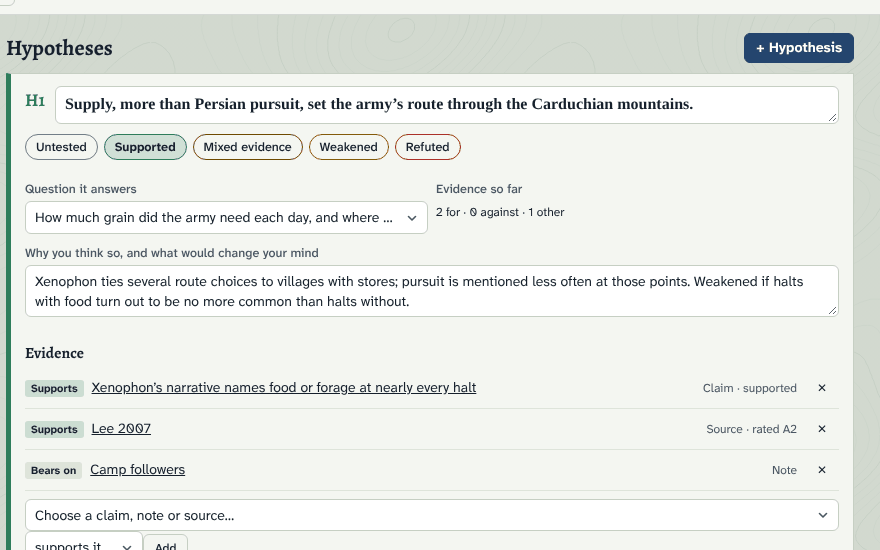
Paragraphs resting on one source, vague estimative language, undefined acronyms and house-style slips. Claims tracked against their evidence, and Proofread for the slips a spell checker misses. Outline and Research tabs
-
Mount Theches, the sea
Deliver
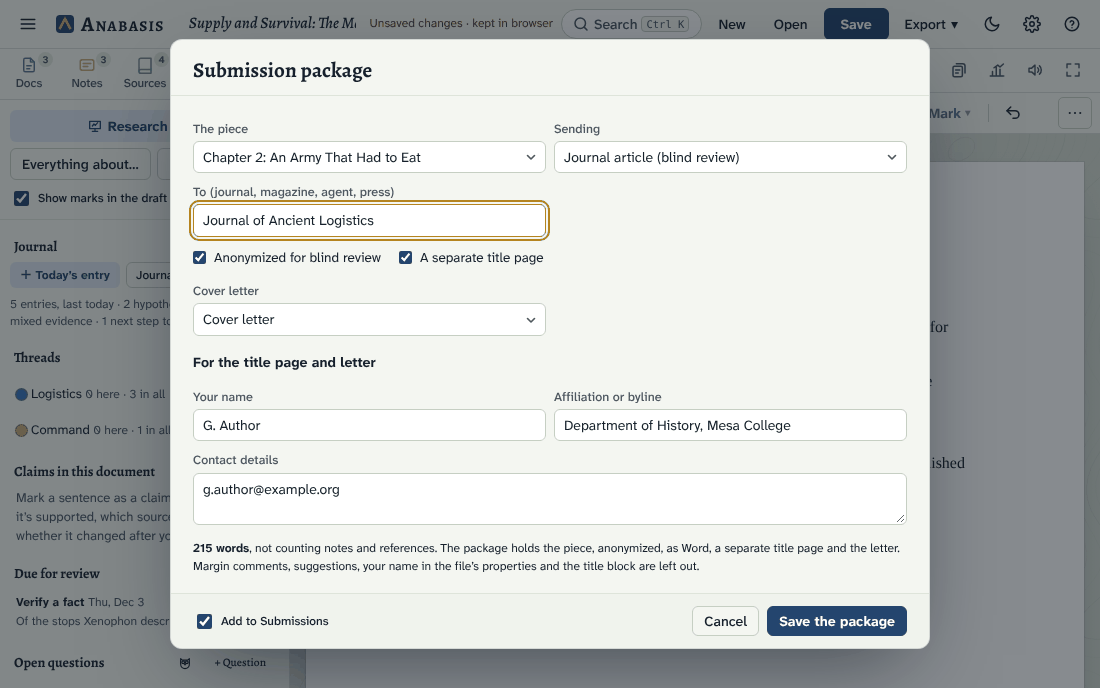
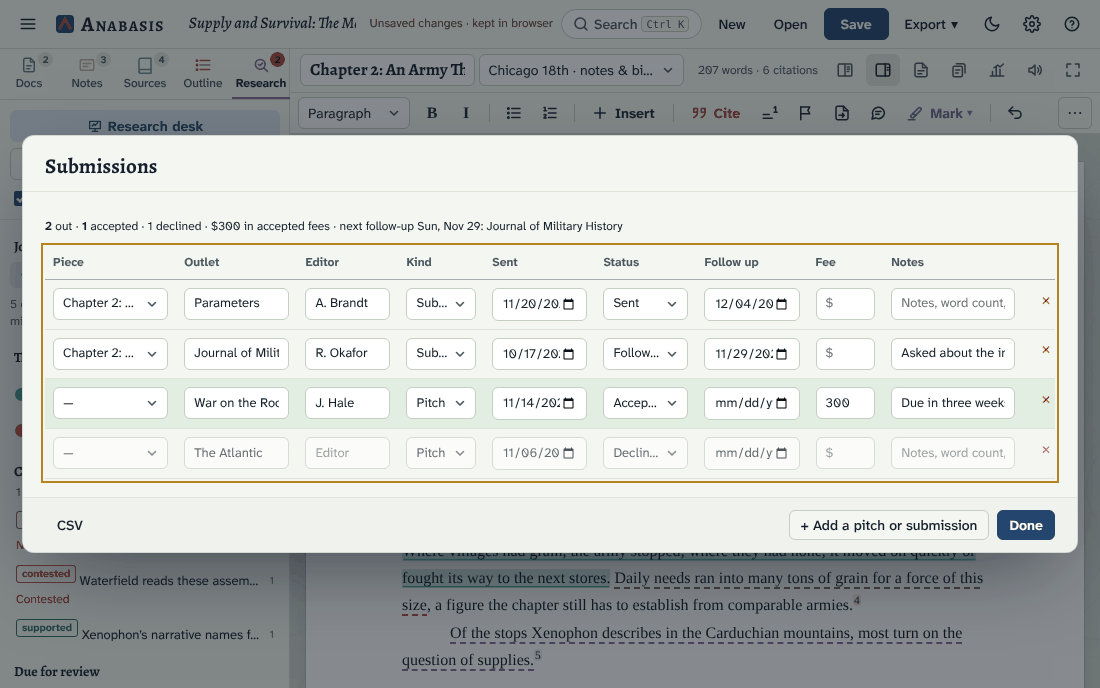
Word, PDF, ePub, HTML, Markdown, LaTeX and Substack, with an abstract and keywords under the title. Manuscript format for submissions and a line-numbered PDF for reviewers. Export menu
A closer look
Research tools that usually live in four separate apps, sharing one project.
Your work stays yours
A book can take years. The tool you write it in shouldn’t be able to take it from you.
On your computer
Your project is one file you save wherever you like, with a working copy in your browser so nothing is lost if a tab closes. Anabasis goes online only when you ask it to: to look up a source, back up to GitHub or check for an update, and Work offline turns even that off. A locked project is encrypted, PDFs and photos included. Privacy in detail
Readable for the long haul
The project file is plain, documented JSON, and version 2 of the format won’t break for as long as Anabasis is on 2.x. Everything exports to Markdown, Word, BibTeX and CSL-JSON. The file format
Open source
Free under the GNU Affero General Public License. Read the code, build it yourself, and check every download against its checksum and signed build record. Only its own scripts can run, so a file someone sends you can’t. How it’s kept safe
This page follows the same rule. It loads nothing from anyone else: no analytics, no outside fonts and no cookies.
θάλαττα θάλαττα
Presently they could hear the soldiers shouting and passing on the joyful word, “The sea! the sea!”